如何在 Node-RED 中使用 ChatGPT
This deep dive demonstrates how to use ChatGPT with Node‑RED.
需要注意的事项
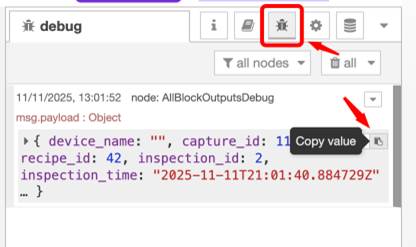
All Block Outputscontain all the info that comes out once an image is triggered.

- Copy the debug output from the
All Block Outputs.
All Block Outputs
This node outputs data after each capture made by the camera and containing all AI block data. The data is in the form of a JSON object. The data includes the following:
| Payload Field | Type | Description |
|---|---|---|
payload.capture_id | integer | 该捕获的捕获 ID |
payload.recipe_id | integer | 该配方的 recipe_id |
payload.camera_id | string | 本摄像头的唯一字符串标识符 |
payload.inspection_id | integer | 一个自增的 16 位整数,在每次检验时增加 |
payload.inspection_time | string | 该检验的 ISO 8601 格式时间戳 |
payload.image_url | string | 捕获图像的 HTTP URL(jpg) |
payload.alignment.success | boolean | 对齐部分是否成功 |
payload.alignment.center_location_x | integer | 对齐部分的中心位置 X 坐标 |
payload.alignment.center_location_y | integer | 对齐部分的中心位置 Y 坐标 |
payload.alignment.confidence | float (0-1) | 对齐置信度(0-1) |
ChatGPT/Gemini/Copilot
- Enter the prompt: “Here is the Input I have from Node Red : Insert the copied value here. enter prompt when you want it to fail and return msg.payload in boolean True or False”
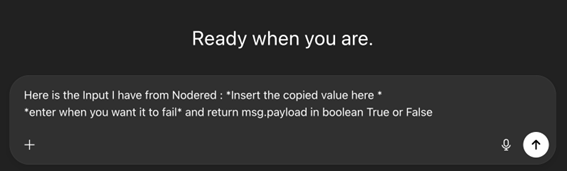
Example
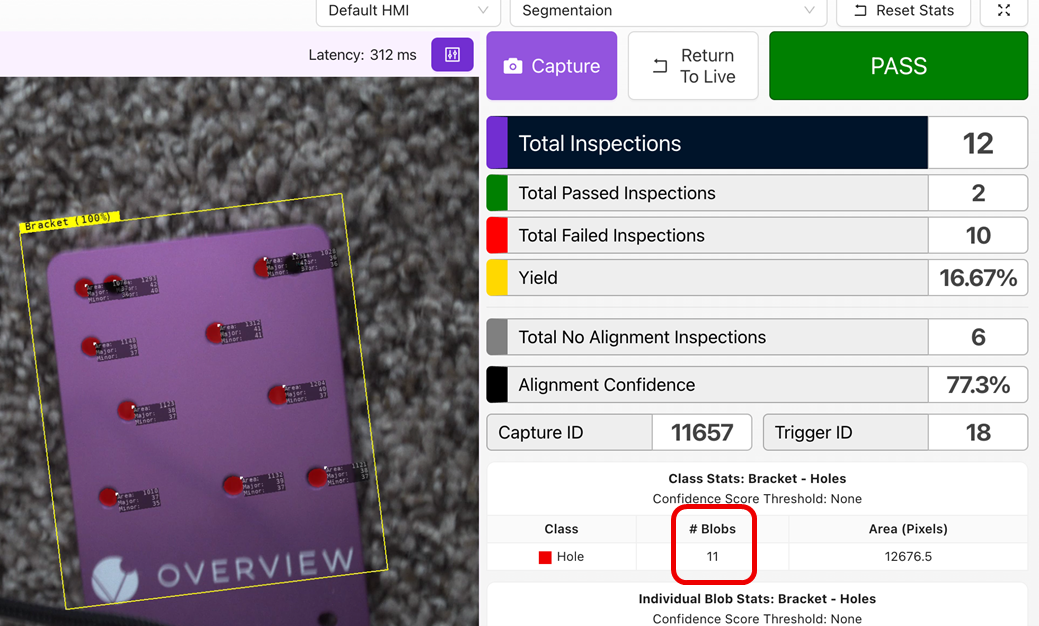
- Here we have taught the AI to look for holes in the mounting plate.
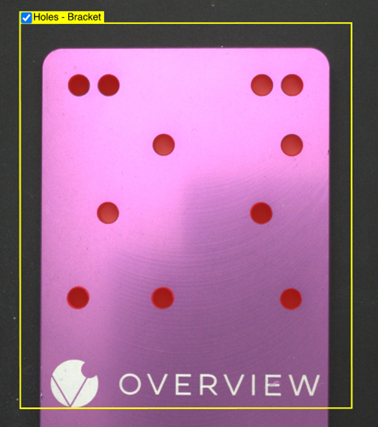
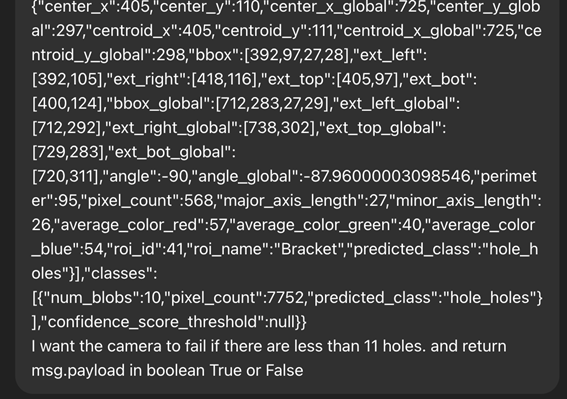
- Copy the values from the Node-RED
debugblock and paste it in ChatGPT with the following example prompt.- “Here is the Input I have from Node Red : Insert the copied value here. I want the camera to fail if there are less than 11 holes and return msg.payload in boolean True or False”
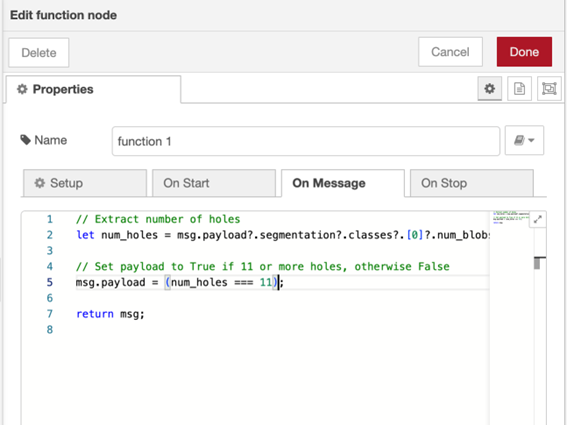
- Take a look at the
functionblock and read the comments on the logic. - See if it's doing the right thing (what was asked of it), and if so, copy the code it gives you.
- Get a
functionnode from the nodes and connect it to theInspection Pass/Failblock.

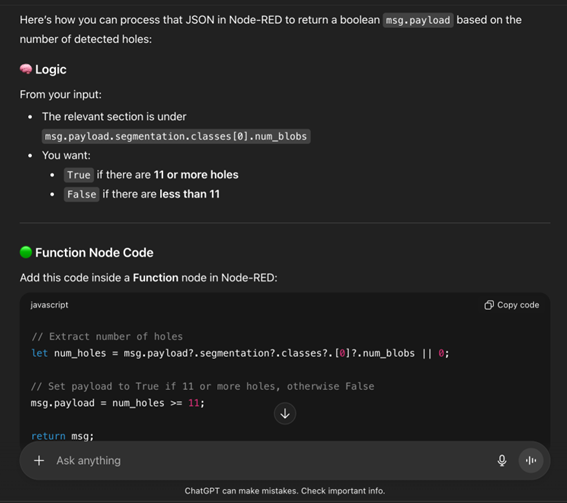
- Copy the code in the
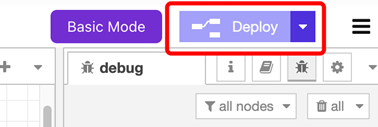
functionblock, make sure all the nodes are connected correctly and click 部署.